How to Configure Fonts in Linux
A guide to font configuration, font directories, and fontconfig examples on Linux.
How to Configure Fonts in Linux
Fonts configuration on linux is handled using fontconfig (https://en.wikipedia.org/wiki/Fontconfig). It can be used to configure fallback font and setting default fonts (Sans, Sans Serif, Monospace).
Location of fonts
Fonts are stored in following locations,
/usr/share/fonts/usr/local/share/fonts$XDG_DATA_HOME/fonts~/.local/share/fonts
Configuration of fontconfig
fontconfig configuration file is in XML format.
/etc/fonts/fonts.conf/etc/fonts/conf.d- directory which can contain multiple configurations, higher number configuration is loaded first
$XDG_CONFIG_HOME/fontconfig/conf.d~/.config/fontconfig/conf.d
$XDG_CONFIG_HOME/fontconfig/fonts.conf~/.config/fontconfig/fonts.conf
~/.fonts.conf.d~/.fonts.conf
fontconfig utilities
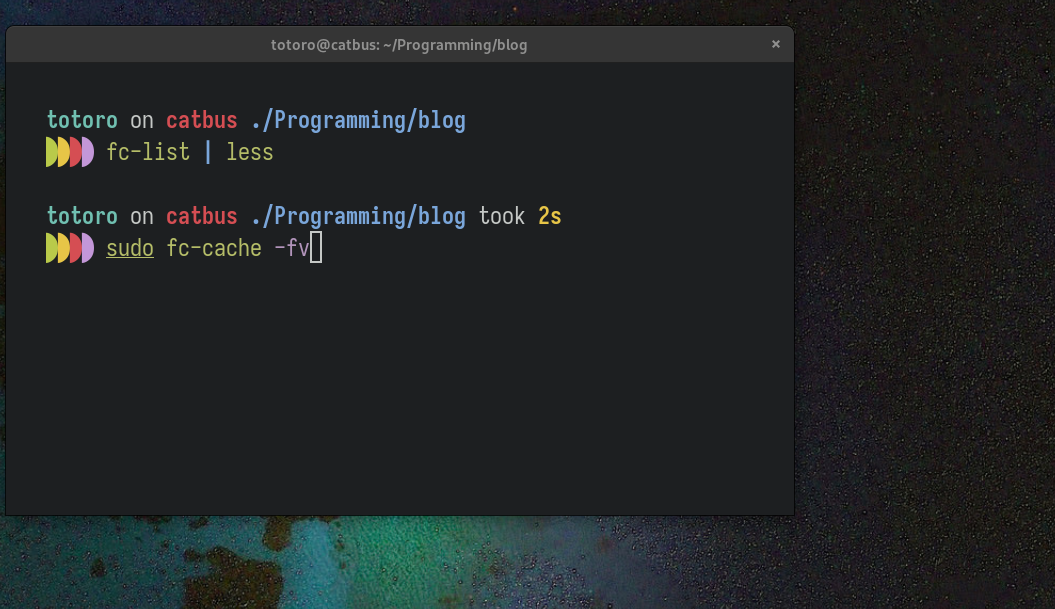
fc-list- Lists all fonts fontconfig knows about or all fonts matching a pattern.fc-match- Matches font-pattern (empty pattern by default) using the normal fontconfig matching rules to find the most appropriate font available.fc-cache- Creates a cache of all FreeType readable fonts in a specified directory or create a cache of all FreeType readable fonts from all directories specified in the configuration files.fc-cache -fv- after copy new font use this command to force re-generation of cache files.
fc-cat- Reads the font information from cache files or related to font directories and emits it in ASCII form.fc-query- Querys font files and reports resulting pattern(s).fc-scan- Scans font files and directories and reports resulting pattern(s).fc-pattern- Lists best font(s) matching the supplied pattern(s).fc-validate- Validate font file(s) and reports the results.
Sample fontconfig configuration
- enable antialiasing for all fonts
<?xml version="1.0"?>
<!DOCTYPE fontconfig SYSTEM "fonts.dtd">
<fontconfig>
    <!-- Enable antialiasing for all fonts -->
    <match target="font">
        <edit mode="assign" name="antialias"><bool>true</bool></edit>
    </match>
</fontconfig>
- setting default Sans, SansSerif, Monospace fonts
<?xml version='1.0'?>
<!DOCTYPE fontconfig SYSTEM 'fonts.dtd'>
<fontconfig>
  <!-- Set preferred serif, sans serif, and monospace fonts. -->
  <alias>
    <family>sans-serif</family>
    <prefer><family>CMU Sans Serif</family></prefer>
  </alias>
  <alias>
    <family>sans</family>
    <prefer><family>CMU Typewriter Text</family></prefer>
  </alias>
  <alias>
    <family>monospace</family>
    <prefer><family>Iosevka Term</family></prefer>
  </alias>
</fontconfig>
- for setting up emoji fonts, when some applications are unable to display emoji,
in this case I used
Noto Color Emoji
<?xml version='1.0'?>
<!DOCTYPE fontconfig SYSTEM 'fonts.dtd'>
<fontconfig>
  <!-- setting up emoji fonts as weak binding -->
  <match>
    <test name="family"><string>sans-serif</string></test>
    <edit name="family" mode="prepend" binding="weak">
      <string>Noto Color Emoji</string>
    </edit>
  </match>
  <match>
    <test name="family"><string>serif</string></test>
    <edit name="family" mode="prepend" binding="weak">
      <string>Noto Color Emoji</string>
    </edit>
  </match>
  <match>
    <test name="family"><string>monospace</string></test>
    <edit name="family" mode="prepend" binding="weak">
      <string>Noto Color Emoji</string>
    </edit>
  </match>
  <match>
    <test name="family"><string>Apple Color Emoji</string></test>
    <edit name="family" mode="prepend" binding="weak">
      <string>Noto Color Emoji</string>
    </edit>
  </match>
</fontconfig>
References
This post is licensed under
CC BY 4.0
by the author.